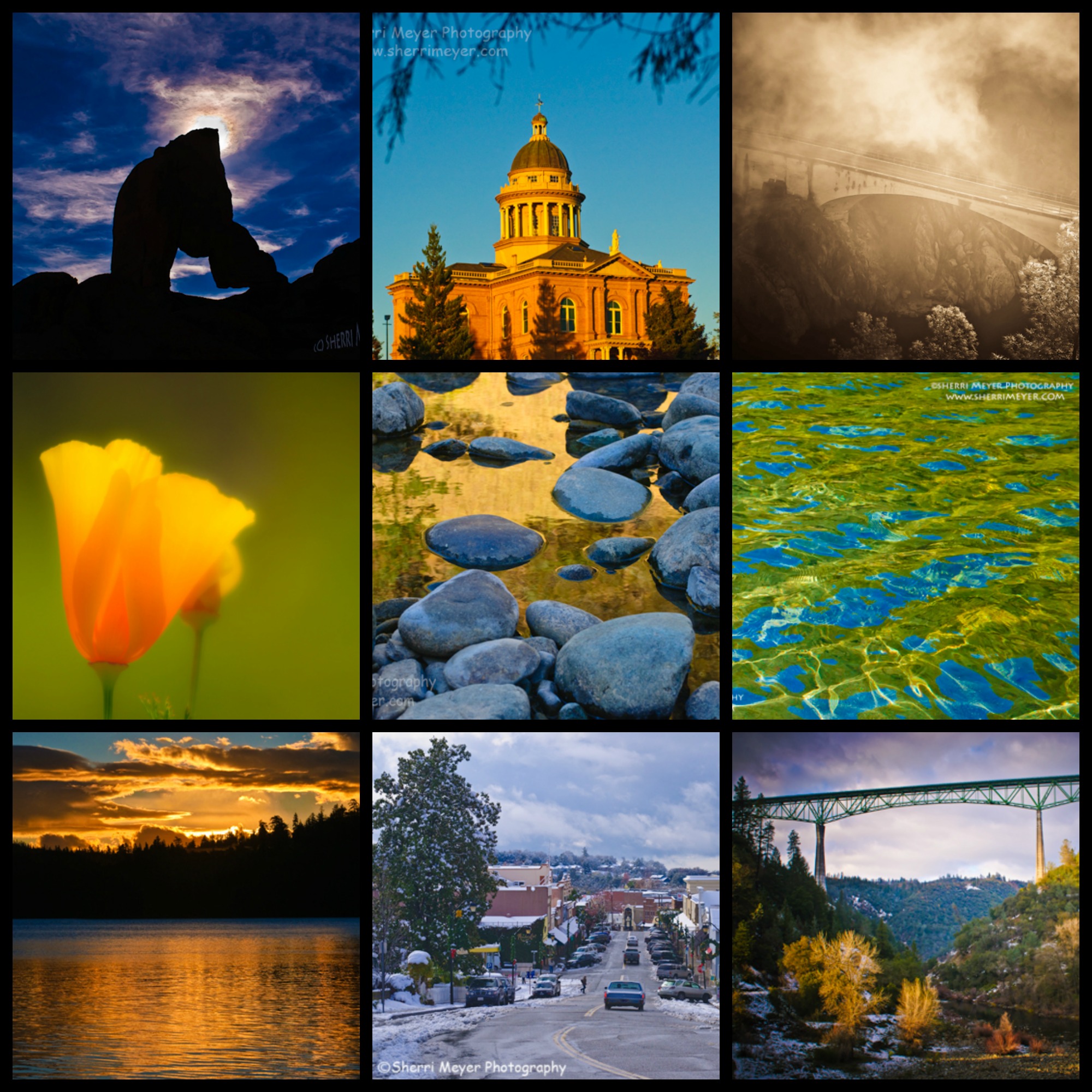
Auburn, California is a small town nestled in the Sierra Foothills. It is one of the most charming towns in the Gold Country! Take a peek at this slideshow and you will see why. To view this video larger, go directly to our YouTube Channel.
Feel free to share with your friends and be sure to subscribe to our channel for future updates!
Announcing a new sale which starts today and runs through the month of June. We are offering all of our Fine Art Photography at 20% off in honor of Father’s Day. Select from Prints, Canvas Prints, Metal Prints, Framed Prints, Acrylic Prints and Greeting Cards. Featured here are samples from three of our many galleries. To take advantage of this Father’s Day Sale, enter discount code CANMHU during the checkout process.
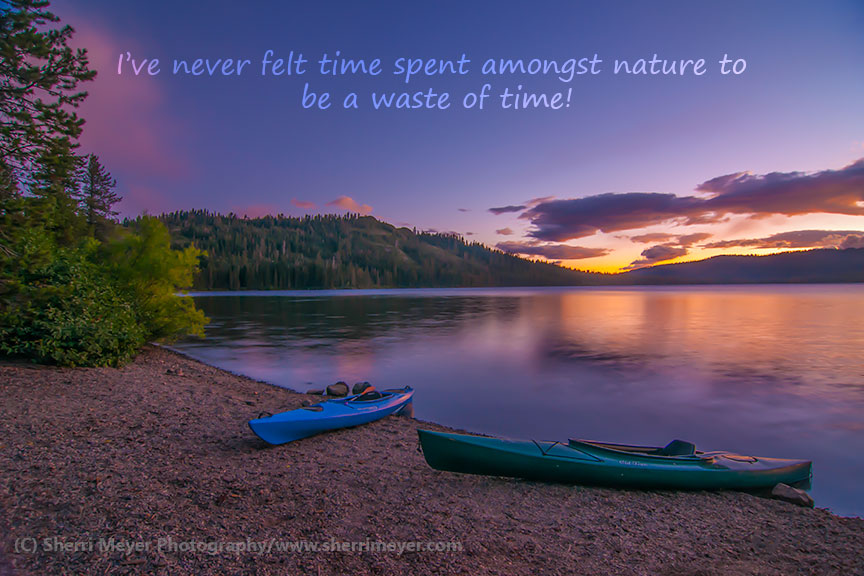
“I’ve never felt time spent amongst nature to be a waste of time!” It doesn’t matter if it’s kayaking on a beautiful lake such as Gold Lake, hiking a favorite trail, photographing or working in the garden, the feeling is the same. It is great for stress, inspiration, keeping fit and so much more!
What are some of your favorite ways to spend time amongst nature?
Some of you may have seen the Sunrise Photo Contest winning photo I posted last week through Fine Art America. As it turns out…there were two people with the same amount of votes. Fine Art America automatically selected one of them to be the First Place Winner. I decided it would be appropriate to interview Carol Miller, the Second Place Winner as well and give her some well-deserved exposure.
This contest was just for fun. There were no prizes awarded and the voting was done by numerous members and non-members of Fine Art America. Following are the questions I asked Carol and her response to them.
1. What do you particularly like about this photo?
First of all, the location. I took this at Gulf Shores, Alabama, which has been a favorite vacation spot for me since I was a little girl. I’ve been so many times I’ve lost count. It’s an incredibly special place for me. Then, there’s the drama: the sun just coming up to signal a new day; the splash of the waves caught in the air and reflecting the sunlight; and the mangled pier on the horizon that was shattered by Hurricane Ivan. Finally, the vibrant color of the sky against the dark color of the deep sea. Needless to say, this is one of my favorite photographs. 2. What was hard about creating this photo? I was using an unfamiliar camera. Also, I was standing in the water trying to keep my balance and shooting without a tripod. Other than that, it was a piece of cake. 3. What was the key attribute that allowed you to create this photo? Right place; right time. I know a certain amount of taking good photos depends upon the skill and artistry of the photographer. But, sometimes, it just boils down to being in the right place at the right time. 4. What photographic equipment did you use to create this photo?
I used a friend’s camera because I didn’t have mine with me at the time. It was a Sony DSC-H15. I took the photo at F/4, 1/320 second, ISO – 125, even exposure, 72 mm focal length, and no flash. 5. What kind of tools did you use for post processing?
There’s not a lot of post processing on this photo. I used Lightroom to even the horizon, add a hint of vibrance, and enhance the clarity. 6. Is there anything else you would like to share about this photo or your photography in general? Future goals etc. I shoot because I love it. It wouldn’t matter if anyone else saw my photos. I get enough pleasure out of creating personal treasures and memories from my experiences for it to be more than rewarding to me. But, don’t get me wrong I wouldn’t be upset if I were incredibly successful and made a ton of money selling prints.
There were many excellent images submitted for this photo contest. What I love about Carol’s winning photo is how she was able to capture all of the amazing DRAMA in a single photo and the vibrant colors.
Would you like to congratulate Carol or ask her a question? Please feel free to add it in the comments section below.
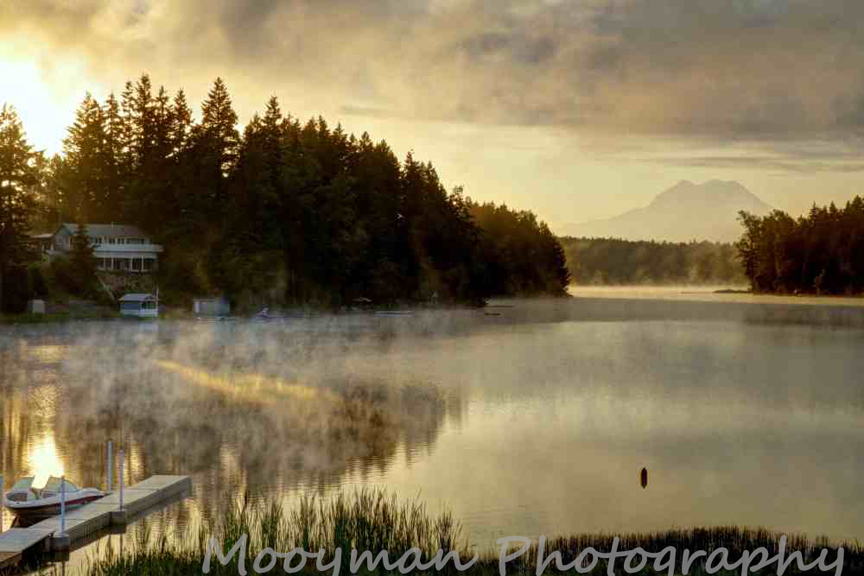
Last week I did something for the first time. I created a photo contest through Fine Art America. I decided for my first one I would do something simple like “Sunrises.” Most people photograph them and I figured it would get a lot of participants. I was right. There were over 800 entries and there could only be one first place winner and that was Peter Mooyman, for his stunning image “Sunrise on the Lake.”
This contest was just for fun. There were no prizes awarded, but I thought it would be nice to interview the winner and give them some well-deserved exposure. Following are the questions I asked Peter and his response to them. Please Note: The voting was done by numerous members and non-members of Fine Art America.
What do you particularly like about this photo? What I like about this shot is that I captured a moment that only lasted about 5 seconds. The sun hitting the water, the mist and the mountain in the background all came together at this moment.
 What was hard about creating this photo? Being there at the right time to catch the sunrise and the mist rising off the water.
What was the key attribute that allowed you to create this photo? That would have to be patience. I visited this location many times before I could get the right elements together for this shot.
What photographic equipment did you use to create this photo? I used a Panasonic Lumix GX1 with its standard 14-42mm lens, and I had the help of a tripod.
What kind of tools did you use for post processing? I used Picasa to make minor adjustments to the lighting, saturation and contrast.
 Is there anything else you would like to share about this photo or your photography in general? Future goals etc. This is my favorite type of photo to take – one that involves a natural scene where the light is constantly changing, and in this case the mist rising off the water didn’t last long, so I had to catch it at the right moment where it was highlighting the sunlight hitting the water. I also love images involving bodies of water, because of the endless possibilities of how the water reflects light.
There were many excellent images submitted for this photo contest. What I love about Peter’s winning photo is the beautiful color tones and the moodiness created by the light and the fog. To view more of the winning entries visit Contest-Sunrises.
Would you like to congratulate Peter or ask him a question? Please feel free to add it in the comments section below.
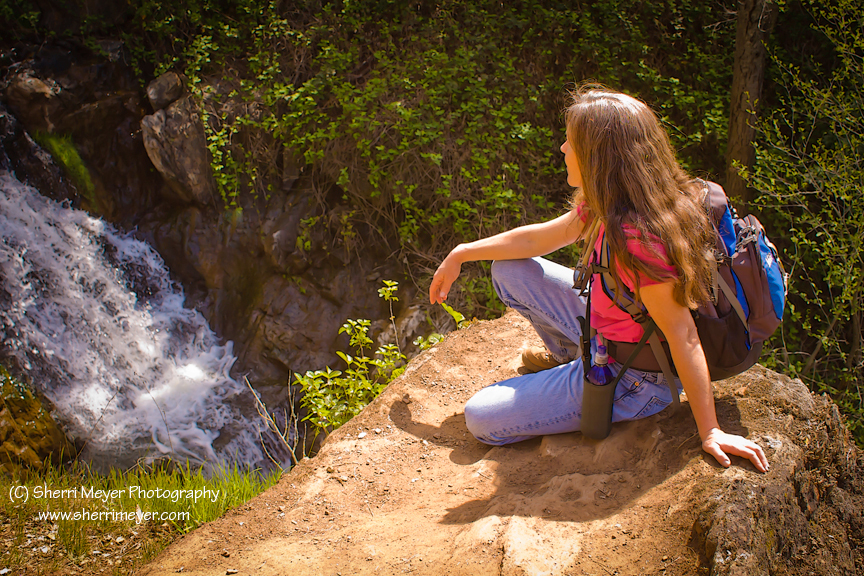
Hiker enjoying a hike at Hidden Falls Regional Park.
Join me for a half day of fun, photos and fitness at beautiful Hidden Falls Regional Falls Park in Auburn. These Photo Tours will be approximately 4 hours long and will involve some easy to moderate hiking. Bring your camera and a picnic lunch and let’s have fun!
We will have the opportunity to photograph waterfalls, creeks, wildflowers, hikers, bikers, horseback riders and much more during our hike. You never know…we may even see some wildlife, or people riding bulls!
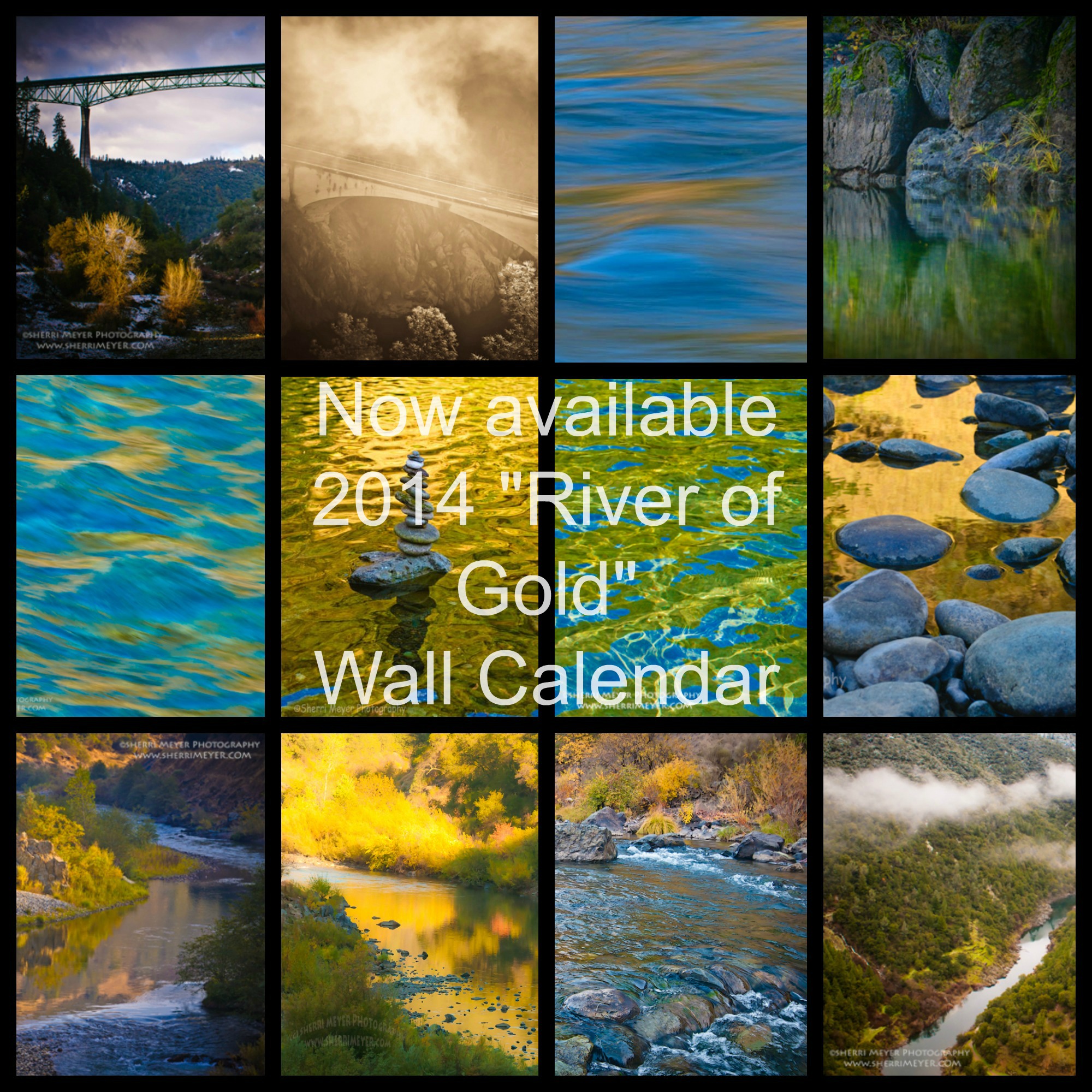
FREE E-Book! Sign up to receive our Photo Newsletter and you will get our brand new e-book “River of Gold” for FREE, in our next newsletter! (Value = $9.99)
Are you all done with your Christmas shopping? Do you like to shop from the convenience of your own home, without the crowds and traffic? Do you love giving the gift of photography to those special people in your life? Maybe you will even be snowed in and can’t get to the malls to finish your shopping! Maybe we can help.
We are having a 25% off sale on all orders from our Fine Art America Website. Simply enter Discount Code CGXXVA, during the checkout process.
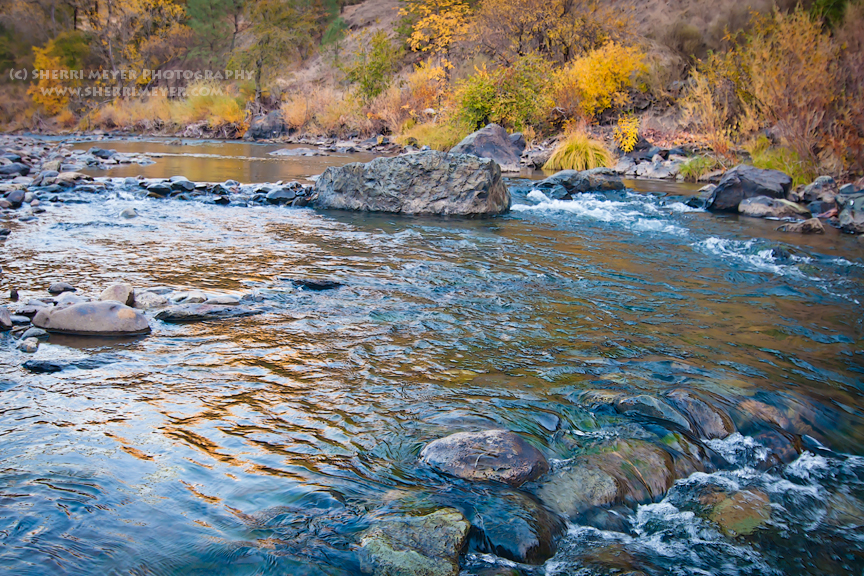
Fall color along the North Fork of the American River, Auburn, California.
This was from a recent trip down to the American River. I used my wide-angle lens on this photo, which is something I don’t do very often. I think it’s a good idea to experiment with different lenses whenever possible though.
My favorite lens is still my 80-200mm zoom lens. I doubt that will ever change! What is your favorite lens?